Skate Tree Controls — Controller First, Keyboard Second
The game is in Beta — on-screen prompts can change. Confirm every binding in the in-game control overlay.
Chooser
Input method
Controller
Developer-recommended. Best for sticks, shoulders and camera while reading lines.
Keyboard & mouse
Fully playable. Confirm jump and trick keys in the overlay before you practise flips.
Controller mapping
| Input | Role | Skill level |
|---|---|---|
| Left stick | Steering, speed direction, carving toward obstacles | Basic |
| Left stick (in air) | Rotation and landing alignment | Intermediate |
| Jump button (A / Cross or assigned) | Ollies, ramp launches, gap clears | Basic |
| Shoulders and triggers | Trick inputs and modifiers | Intermediate |
| Right stick | Camera while scouting routes | Basic |
| D-pad | Menus and quick settings | Basic |
Keyboard mapping
| Key | Action | Note |
|---|---|---|
| WASD / arrows | Steer and move | Keep pressure smooth for carving. |
| Space (or assigned jump) | Ollie / launch | Confirm the binding in the in-game overlay. |
| Mouse | Camera | Useful for reading rails before a line. |
| Assigned trick keys | Flips, grabs, modifiers | Open the control overlay — Beta prompts can change. |
Landing and recovery
1. Rotate early
Finish the flip or spin before the board meets the ground.
2. Control the approach
Square up to rails and ramps so the exit stays predictable.
3. Recover from a bail
Reset or remount, then rebuild speed instead of mashing inputs.
Setup checklist
- 1. Pair the controller before launching Roblox.
- 2. Confirm Roblox detects the gamepad in its settings.
- 3. Open the in-game control overlay and verify every button on your pad.
Next: Tricks · Beginner guide · Maps · Spot Battles
Official game visual
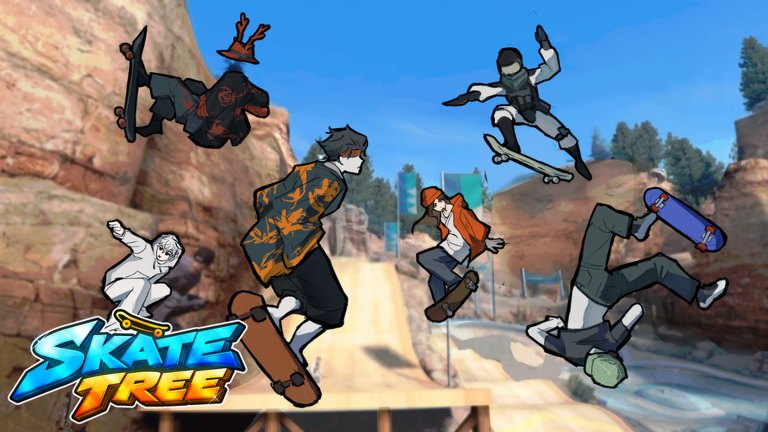
Open the in-game control overlay on this park to confirm your gamepad bindings.
Official Roblox listing media · View game
FAQ
Do I need a controller for Skate Tree?
No, but the developer recommends a controller for the optimal experience.
Why do my tricks not register?
Finish the rotation before touchdown, and check the in-game control overlay for your gamepad's button assignments.